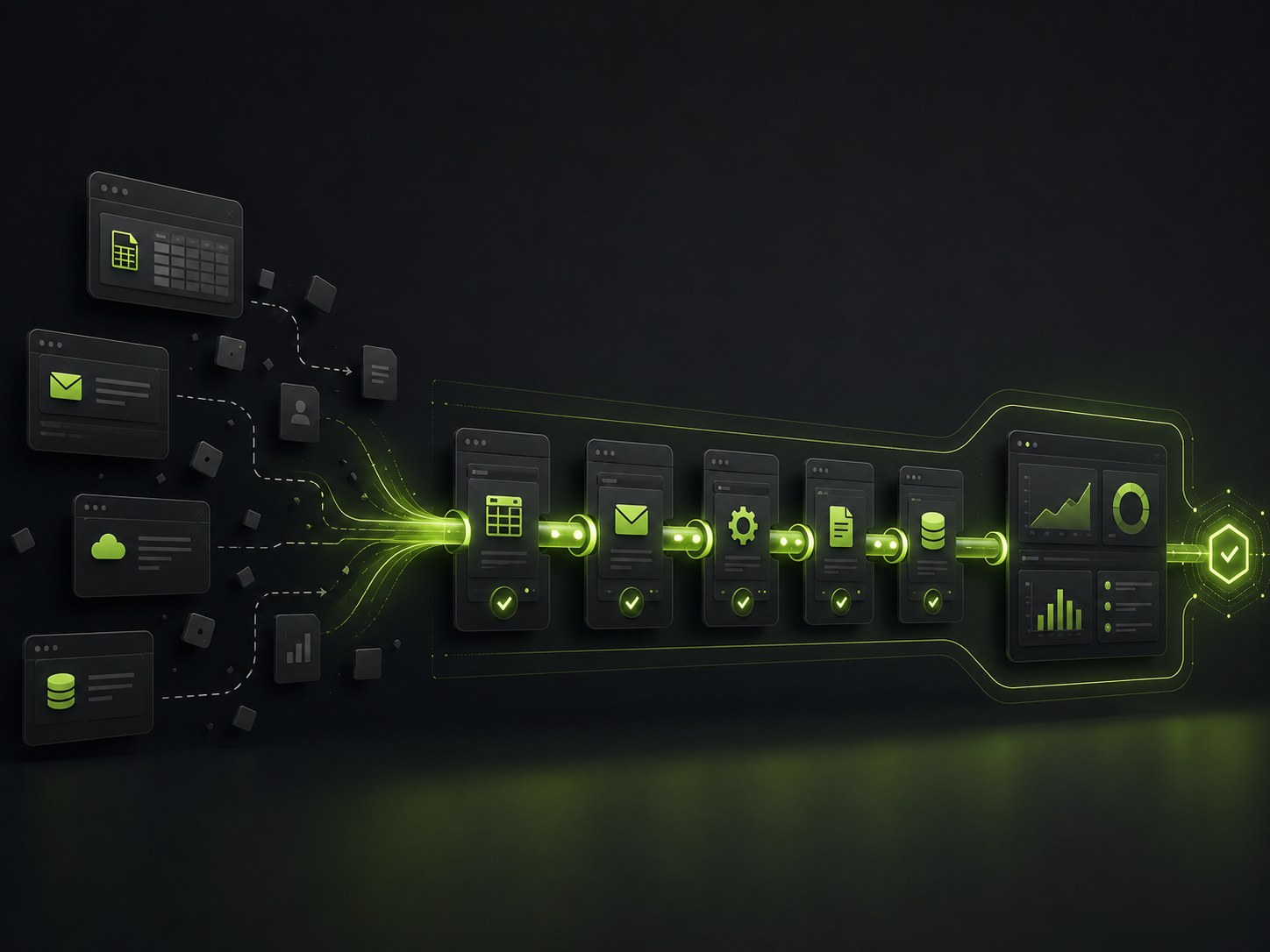
Most of the time a piece of work spends inside a business is not spent being worked on. It is spent waiting: in an inbox for someone to notice it, to be copied from one system into another, for the person who handles the next step to get to it. The individual tasks are often quick; it is the gaps between them, the handoffs, that turn a five-minute job into a three-day one.
This is the problem AI workflow automation is built to solve: not automating a single task in isolation, which is useful but limited, but connecting the whole sequence, across every tool and person it touches, so work flows from start to finish without stopping for a human to push it along. The tasks were never the bottleneck. The spaces between them were.
What a workflow actually is
A workflow is the full path a piece of work travels from the moment it starts to the moment it is done. A support request arrives, gets categorised, routed to the right team, actioned, logged, and the customer gets told. That entire chain, not any one link in it, is the workflow, and it usually spans several tools and more than one person. Automating a single step helps a little, but the work still stalls at the handoffs on either side. Automating the workflow means connecting the steps so the output of one becomes the trigger for the next, which is where the real time is hiding.
Where workflows actually break
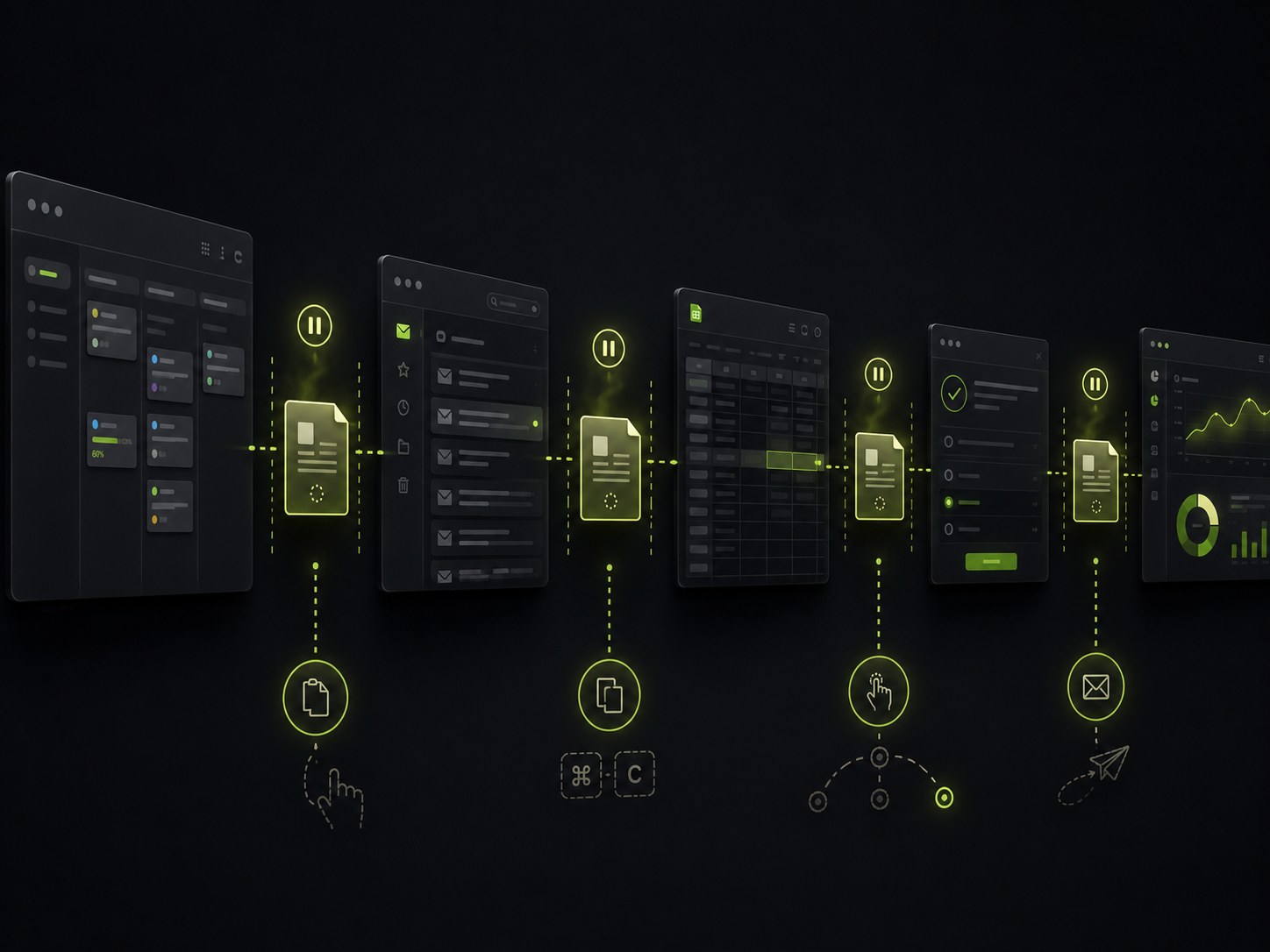
If you watch where a process loses time, it is almost never inside a task. It is at the seams. Someone finishes their part and the work sits until the next person looks. Data gets exported from one tool and pasted into another by hand. A request waits for someone to read it and decide where it goes. None of these are the actual work; they are the friction around it.
The gains come from removing the seams themselves, connecting the tools so data moves on its own and one step starts the next without anyone shepherding it. Fix the gaps and the whole process speeds up, even if every task stays exactly as it was.
The anatomy of an automated workflow
A connected workflow has a few recognisable parts. A trigger starts it: a form submitted, an email received, a record created. Steps then run in sequence, each acting and passing its result to the next. Decisions branch the path by content, sending a large order down one route and a small one down another. Integrations carry data between the systems so nothing is re-entered by hand.
Laid out that way, most processes are more mechanical than they feel: a person is currently the glue, watching for the trigger, carrying the data, and choosing the branch at every stage. Workflow automation replaces that human glue with connections that do the routing and passing automatically, and reserves the person for the parts that genuinely need thought.
Where AI earns its place in the workflow
Plenty of a workflow is pure rules, and rules do not need AI. Where AI matters is the steps that used to force the whole chain to stop and wait for a person, because they needed reading or judgement. Categorising a message by what it says, pulling the right details from an inconsistent document, deciding which branch a nuanced case belongs on: these are where a rules-only workflow breaks down.
Adding AI to exactly those steps lets a workflow run end to end instead of in fragments with human gaps between them. The rest stays conventional automation, which is cheaper and more predictable. The skill is knowing which steps are genuinely rule-based and which need intelligence, and applying AI only where it removes a stall.
Keep humans in the loop where it matters
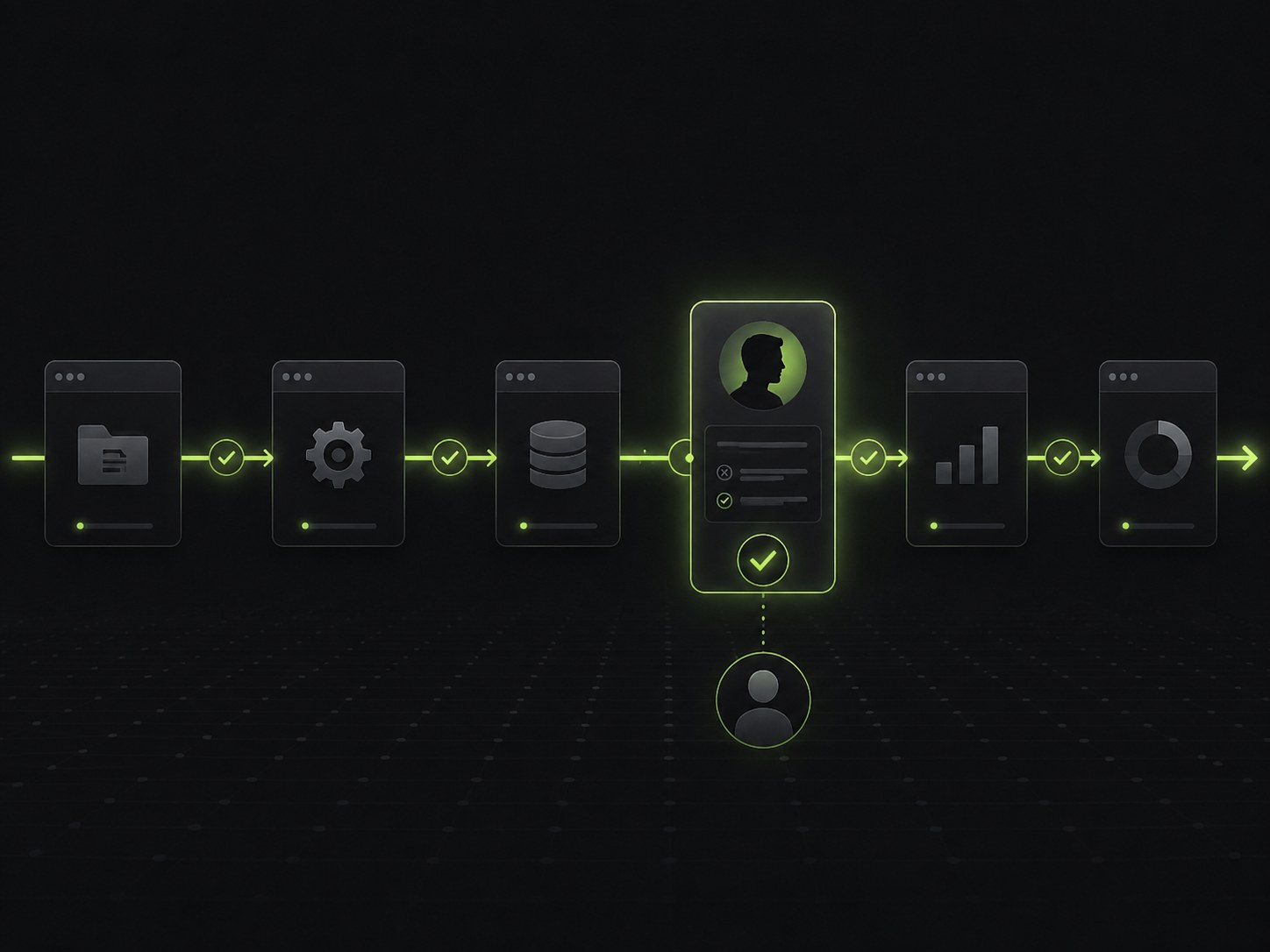
The goal of workflow automation is not to remove people; it is to remove the mechanical work so people are left with the parts that need them. A well-designed workflow runs the routine path automatically and pauses where a human is needed: an approval above a certain value, a decision the AI is unsure about, an exception outside the normal pattern. The routine flows; the judgement stops for a person, which is what keeps automation trustworthy rather than a black box running fast in the wrong direction.
Do not automate a broken workflow
There is a trap worth naming. If a process is convoluted because it grew by accident, full of steps nobody remembers the reason for, automating it as-is just makes the mess run faster. You lock in the confusion and lose the chance to fix it. Automation is an amplifier, and it amplifies a bad process as happily as a good one.
So the first step is often not automation but simplification: mapping how the work really flows, removing steps that add nothing, and straightening the path before any of it is connected. The version worth automating is the streamlined one, not the tangled one you inherited. Skipping this stage is how automation projects deliver speed nobody actually wanted.
How we approach it
We start by mapping the whole workflow, not the tasks, so the handoffs and the waiting become visible, because that is where the time goes. We simplify the path where it needs it, connect the tools so data moves without re-entry, automate the rule-based steps conventionally and the judgement steps with AI, and place human checkpoints where approval or exceptions matter. That is the shape of our agentic process automation work: whole processes that run, not isolated tasks that are quick but still stall.
That approach is what we bring across more than 500 brands in the US, UK, and Canada. As a global company with our headquarters in Delaware and teams in London and Gurugram, the aim is the same every time: work that flows from trigger to finish on its own, pausing only for the people who add something, rather than a business where every job waits in a queue for a human to move it along.
Where this leaves you
AI workflow automation is less about making tasks faster and more about closing the gaps between them, because the gaps are where the time is lost. Think in whole workflows rather than single steps, find the handoffs where work waits, connect the tools so data moves on its own, add AI only to the steps that need judgement, keep humans at the checkpoints that matter, and simplify a messy process before automating it. Do that and a job that used to take days of waiting completes in the time the actual work requires. If you want to see where your processes stall, tell us how a piece of work travels today and we will show you where the waiting is and what it would take to remove.
Frequently Asked Questions
What is AI workflow automation?
AI workflow automation connects the steps of a multi-part process, across the different tools and people involved, so the work runs end to end with AI handling the parts that need judgement. Traditional automation handles a single rule-based task; workflow automation handles the whole chain, including the handoffs between systems where work usually stalls. The result is a process that moves from trigger to finish on its own, pausing for a human only where a person genuinely adds something.
How is workflow automation different from RPA?
RPA automates individual repetitive tasks, often by mimicking the clicks a person makes in one application. Workflow automation is broader: it orchestrates a whole sequence of steps across multiple systems, decides which path applies at each branch, and moves data between tools that do not naturally talk to each other. RPA can be one component inside a workflow, but the workflow ties the components together into a process that completes rather than a single step running in isolation.
Which processes are good candidates for workflow automation?
The best candidates are multi-step processes that cross several systems, happen often, and rely on people to move work from one stage to the next. Anything where someone copies data between tools, waits for an email to trigger the next action, or manually routes a request by its contents is a strong fit. The more handoffs a process has and the more often it runs, the more a connected workflow saves, because it removes the waiting and manual passing along that eat most of the elapsed time.
Do you still need humans in an automated workflow?
Usually yes, and by design. Good workflow automation is not about removing people; it is about removing the mechanical parts so people spend their time on the decisions and exceptions that need them. A well-built workflow runs the routine path automatically and pauses for a human where a case calls for judgement, approval, or handling an exception. Keeping humans in the loop where it matters is what makes automation trustworthy rather than a black box that does the wrong thing at speed.
What software is used for workflow automation?
There is a wide range, from off-the-shelf workflow automation software that connects popular apps to fully custom builds for processes specific to a business. Simple tool-to-tool automations can often be handled by an existing platform, while complex workflows that cross bespoke systems, involve real judgement, or matter to the core of the business usually justify a custom solution. The right choice depends on how unusual and important the workflow is, not on picking the most powerful tool.
Want this done for your brand?
Tell us where you are and what you are trying to grow. We will reply with a straight read on your situation and what is worth doing first. No obligation, no lock-in.